Instructional media
CTLM’s media team can help you plan for, create, and use media effectively to enhance learning. Check out these collaborations with UW–Madison instructors for ideas on what might work best in your course.
Communicate content effectively
Demonstrate processes or procedures
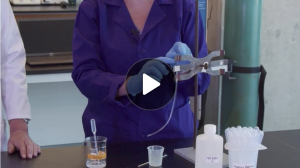
Illustrate the abstract or microscopic
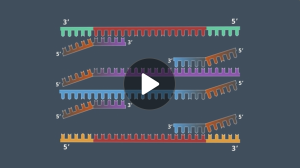
Use infographics to explain concepts
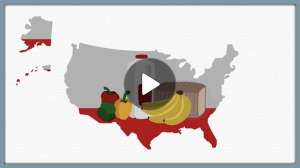
Engage students
Introduce the course
Provide an overview of the course structure and content.
Prepare your students
Preview concepts and spark curiosity with a module introduction.
Connect with your students
Motivate and encourage your students throughout the learning experience.
Refresh course media
Transform lectures
Translate in-person lecture content for effective video delivery.
Create visuals
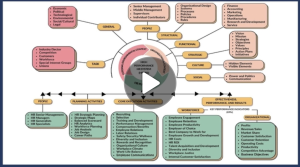
Enhance the quality, clarity, and specificity of your slide graphics.
Edit and enhance

Easily transition from lecture slides to supplemental media.